Parking & Transportation
Parking, and transportation options in general, is a topic we discuss nearly every day with WSU Pullman visitors and for good reason — having the right information can absolutely set the tone for your entire visit!
This is why our team works diligently to ensure visitors have information relevant to their specific needs and know the various options available to meet them. We can explain the on-campus parking and local bus systems, sell daily and hourly campus parking permits and Pullman Transit bus fare, and share public parking options for exploring around town, then offer suggestions based on where you want to go and for how long.
We do this all through personal, one-on-one conversations aimed at finding the best solution for you!
How we can help:
- We can decipher the campus parking map! Our team knows what all the colors and numbers mean and how it translates to when you need to pay for parking on campus.
- Knowing the difference between permit and payment! We can tell you when and where a permit is required and help identify if purchasing one for the day is the best choice for you. Likewise, we can offer hourly options and suggestions instead if you’re planning for a quick trip.
- Selling daily or hourly parking permits! We can sell daily parking permits in-person on the day of your visit, in advance or for multiple days at a time via cash or credit/debit card. Predetermined hourly parking permits can also be purchased in-person at our location in lieu of online payment through aimsmobilepay.com or the AMP Park app.
- We’re app savvy! Paying for hourly parking right after pulling into a spot next to your destination can be so nice and convenient, and we can help get you started in the AMP Park app so that you can come and go with ease each time you’re on campus.
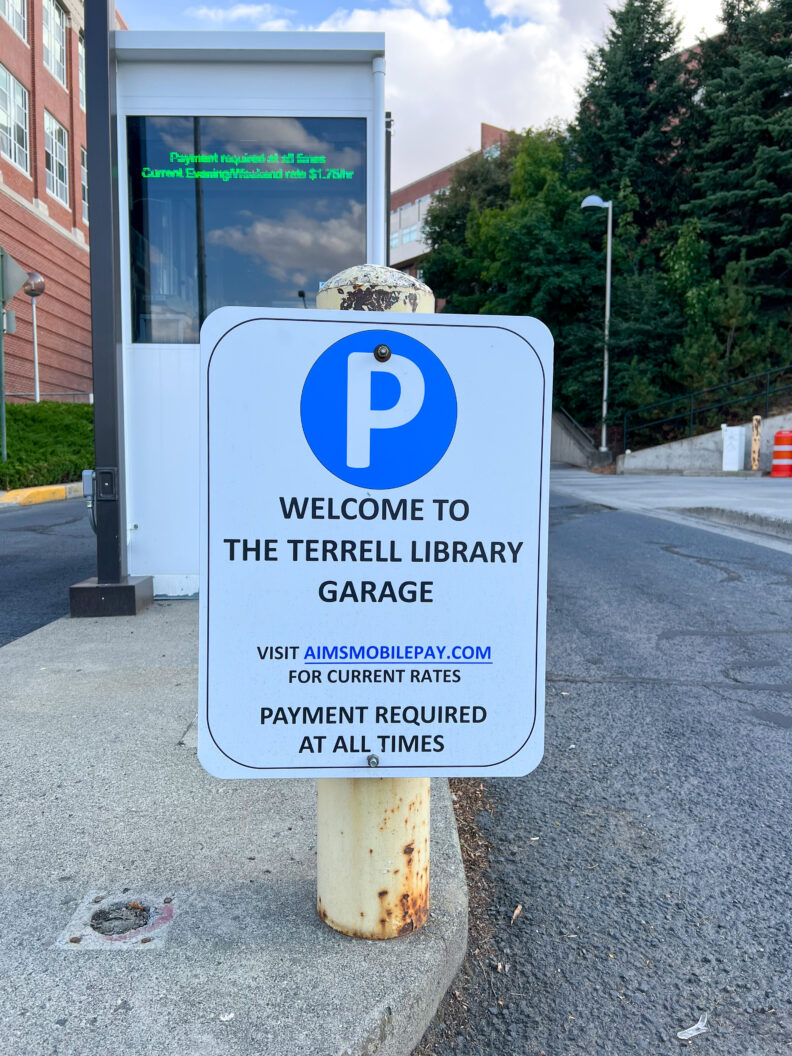
- Understanding how parking rules differ for evenings and weekends! We have an entire map dedicated to this topic and it’s available 24/7 in the brochure racks outside our main entrance. The main point: Several parking lots around the core and edge of campus do not require permits or payment after 5 p.m. Monday-Friday or Saturday and Sunday (excluding campus event weekends like home football games) while others — such as the parking structures — offer covered parking and close access to the pedestrian mall at an hourly rate.
- Issuing WSU Pullman retiree Golden Cougar permits! This is a retirement benefit program offered through WSU Transportation Services and is available to employees who have retired from the WSU Pullman campus. We can issue or renew these annual permits for eligible individuals. Golden Cougar permits are valid August 1 of the current year through July 31 of the following year and can be issued at any point within that period.
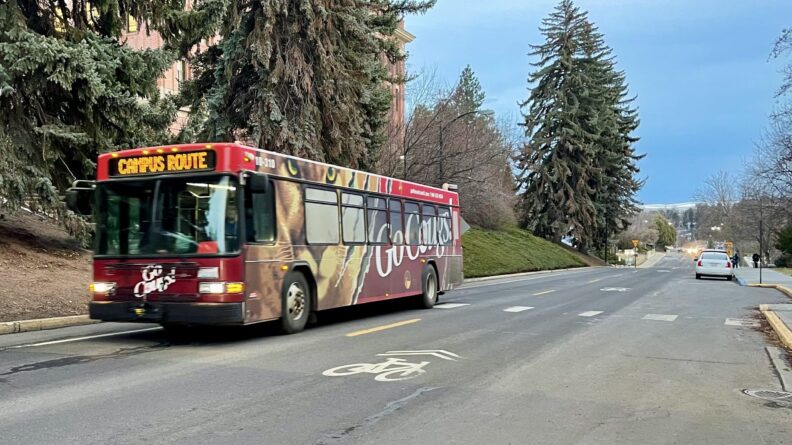
- Navigating Pullman Transit! The City of Pullman has an excellent public transit system, making it easy for visitors and residents alike to move through town, and we can sell the necessary fare for long-term or frequent visitors and residents. We sell monthly, semi-annual and annual bus passes along with various tokens that can be used on a per ride basis. Paying cash per ride is also an option and we can provide the necessary bus routes in addition to information about the Pullman Bus Beacon app for charting your rides.
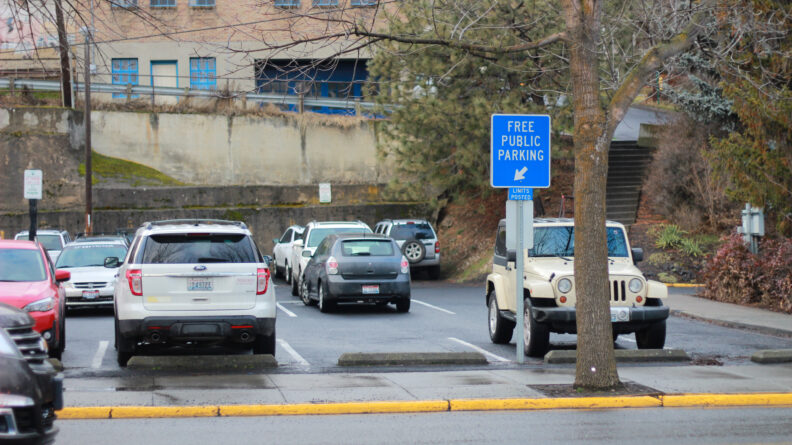
- Finding free parking in downtown Pullman! There are several free public parking lots and areas around downtown, many of which put you either right next to your destination or with enough time to explore all of downtown. We can point you to options with your desired experience in mind and send you out our door with a map noting the areas and any time limits.
How to Purchase WSU Pullman Parking:
Daily and hourly parking can be purchased either in-person or online, depending on the desired parking area, time of day and payment method.
In-Person:
Daily permits or predetermined hourly parking can be purchased at WSU Transportation Services and the Brelsford WSU Visitor Center. Both offices accept cash and credit/debit cards as payment. Parking rates are available online and vary based on permit type and location. Permits can be purchased in advance but are nonrefundable.
Online:
Daily permits can be purchased the same day online at parking.wsu.edu by selecting, “Order Permits.” Arrival time, duration of the stay and location on campus will determine whether a daily permit is needed or advised. Many parking lots do not require a permit after 5 p.m. Monday-Friday or on the weekends, however there are some that do. Pricing varies based on permit type.
Hourly parking can be purchased online at aimsmobilepay.com or by downloading the AMP Park app on a mobile device. Both options require users to have an account, select a desired parking lot or structure, enter the amount of parking time and add vehicle information. The selected parking area will display hourly rates and if hourly parking is available or payment is required at that time of day. There is also the ability to add time as needed without restarting the process.
Online purchases can only be made with credit/debit cards.
Additional Information and Resources:
WSU Transportation Services is located at 1040 NE Colorado St. with standard business hours Monday-Friday. More information is available by contacting 509-335-7275 or transportation@wsu.edu and online at transportation.wsu.edu.
Pullman Transit is a service of the City of Pullman and located at 775 NW Guy St. with standard business hours Monday-Friday. More information is available by contacting 509-332-6535 or visiting the Pullman Transit page on the City of Pullman website.
The City of Pullman Police Department offers additional information about public parking in the community, including downtown Pullman, that is available by contacting its business line at 509-334-0802 or at the Resident and Visitor Information page on the city’s website.
AMP Park App Guide for Users:
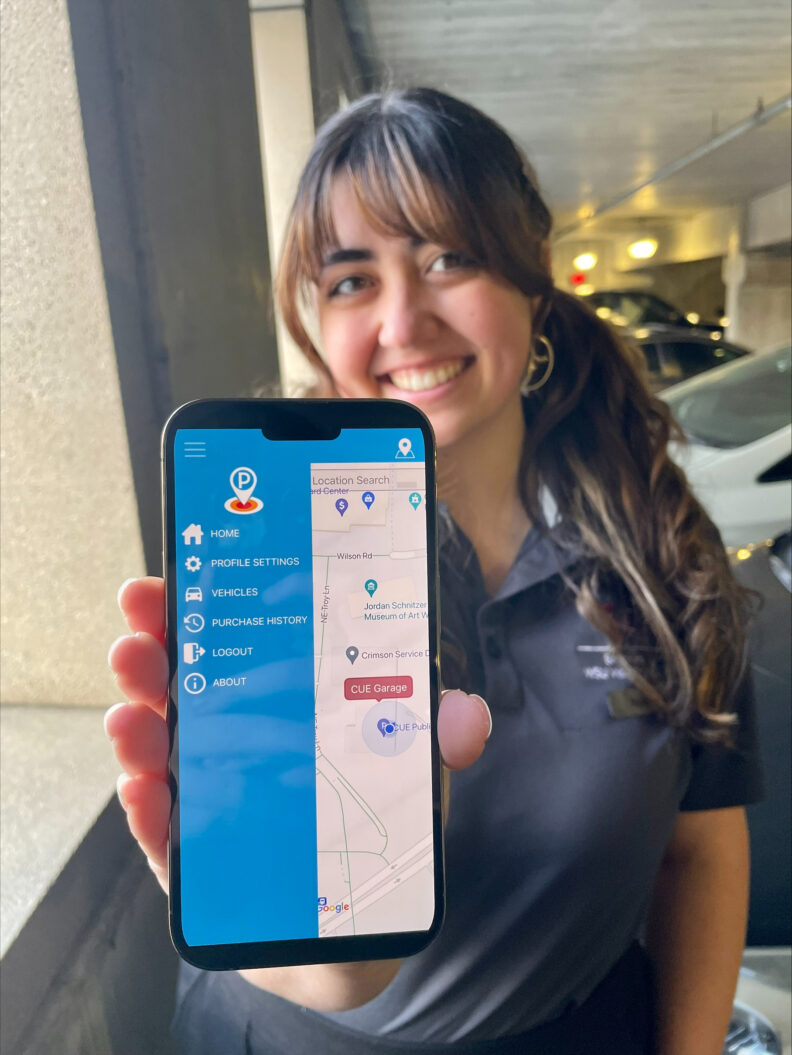
- Navigate to the application store on a mobile device, search for “AMP Park,” and download the app.
- Open the app and select the options tab indicated by three lines in the top left corner. Select “Create Account” and follow the prompts. Creating an account allows users to add vehicle and payment information in advance and save it for future use.
- Enter “Pullman, WA” into the Location Search bar to view available parking lots and raters prior to the visit. Once parked, open the app and select the parking area indicated on the sign at the lot entrance.
NOTE: The corresponding parking area will automatically display if the app is enabled to access the mobile device’s location.
- Choose the desired amount of time and enter or add a vehicle. Press “Continue.”
- Select, add or change the payment method and press “Purchase.”
- Return to the app and add more time, if necessary!